
Меньше держите в голове
Запишите задачу, задайте срок или напоминание — и возвращайтесь к делу в нужный момент.
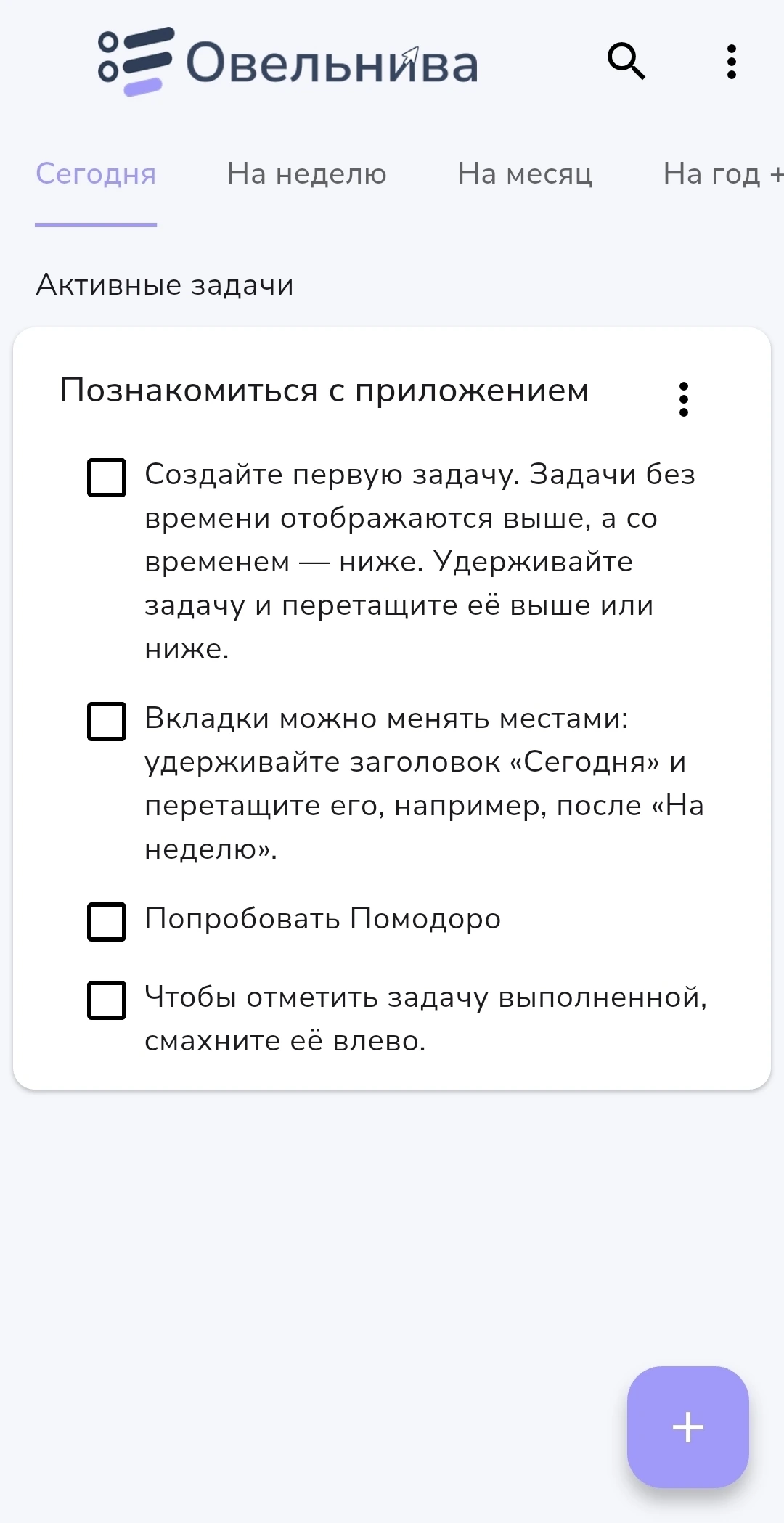
«Мои задачи» to-do list помогает быстро понять, что нужно сделать сегодня, что важно на неделе, какие планы ждут в месяце и к каким целям вы идёте в течение года.
Когда задачи живут в заметках, мессенджерах, стикерах и памяти, появляется ощущение хаоса. «Мои задачи» собирает дела в одну понятную систему.
Запишите задачу, задайте срок или напоминание — и возвращайтесь к делу в нужный момент.
День, неделя, месяц и год помогают связать текущие дела с будущими планами.
Минимум лишних экранов: открыл приложение — сразу понял, что делать дальше.

Обычные списки часто превращаются в склад задач. Здесь каждая задача получает своё место во времени: сейчас, скоро, позже или на большой горизонт.
Добавляйте задачи, разбивайте их на шаги, прикрепляйте файлы, ставьте напоминания, повторяйте регулярные дела и работайте фокус-сессиями.
Разовые, ежедневные, еженедельные, ежемесячные и ежегодные сценарии с гибкими настройками.
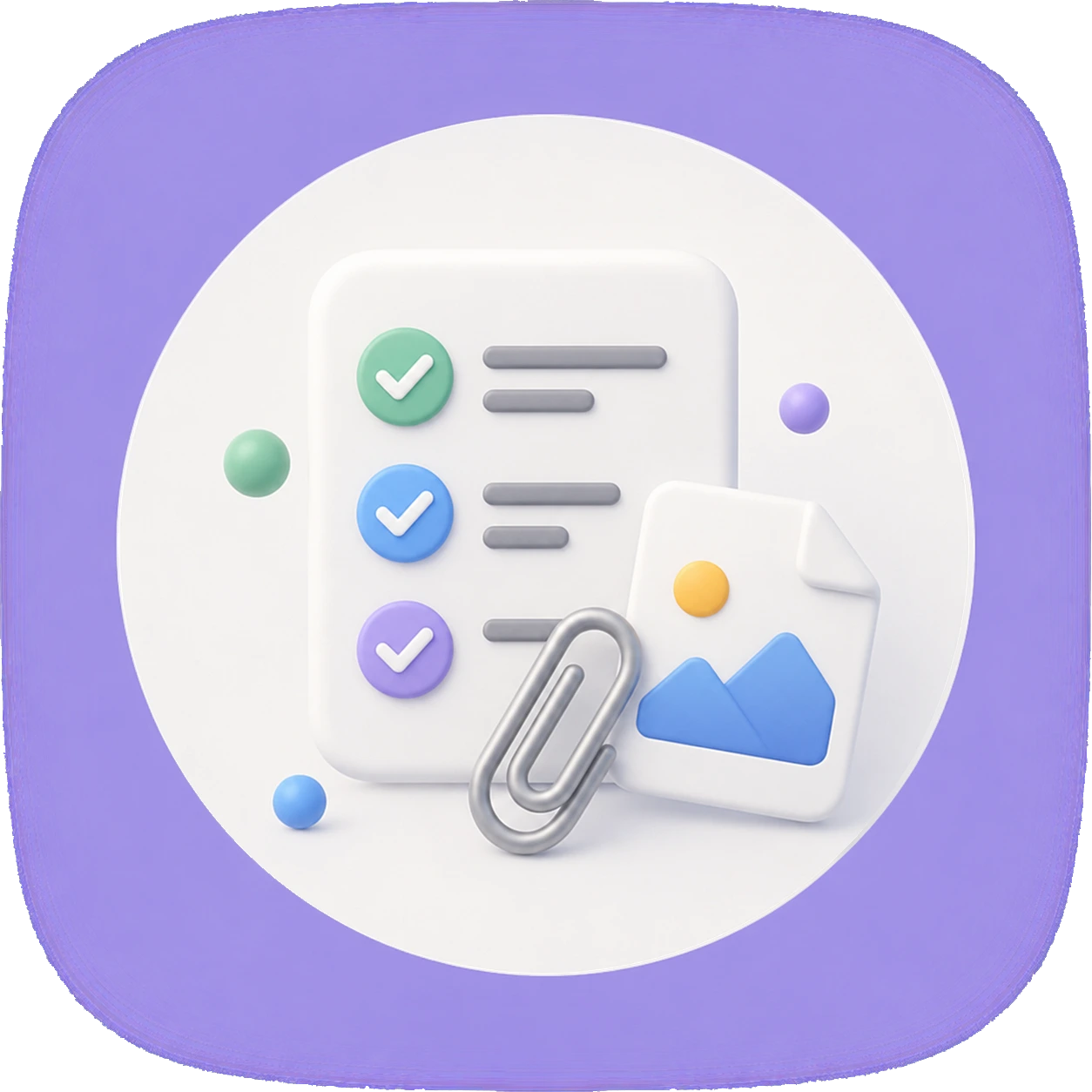
Разбивайте задачу на шаги, прикрепляйте фото и файлы, сохраняйте важные детали рядом с делом.
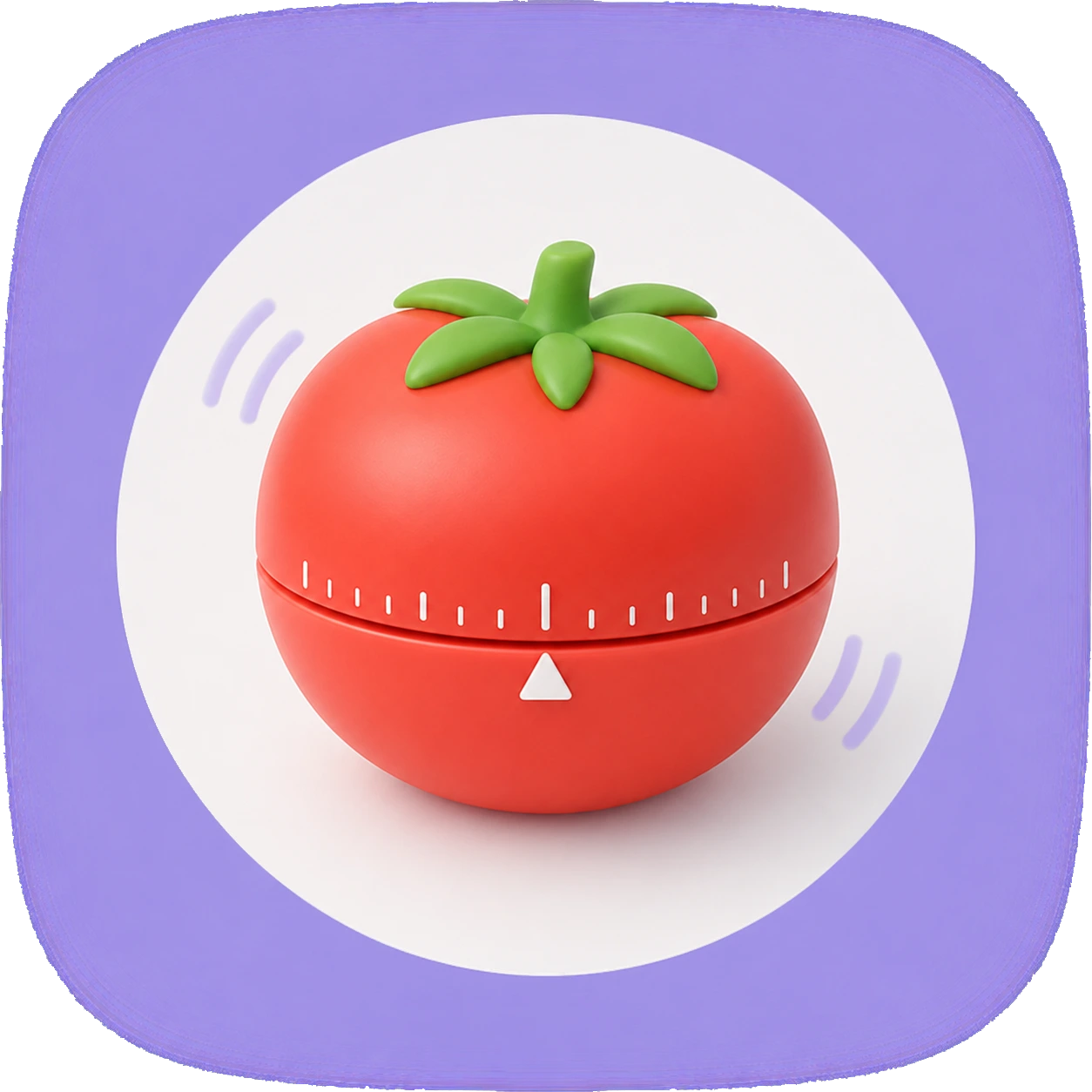
Фокус-сессии, короткие и длинные перерывы, счётчик помидоров и настройки длительности.
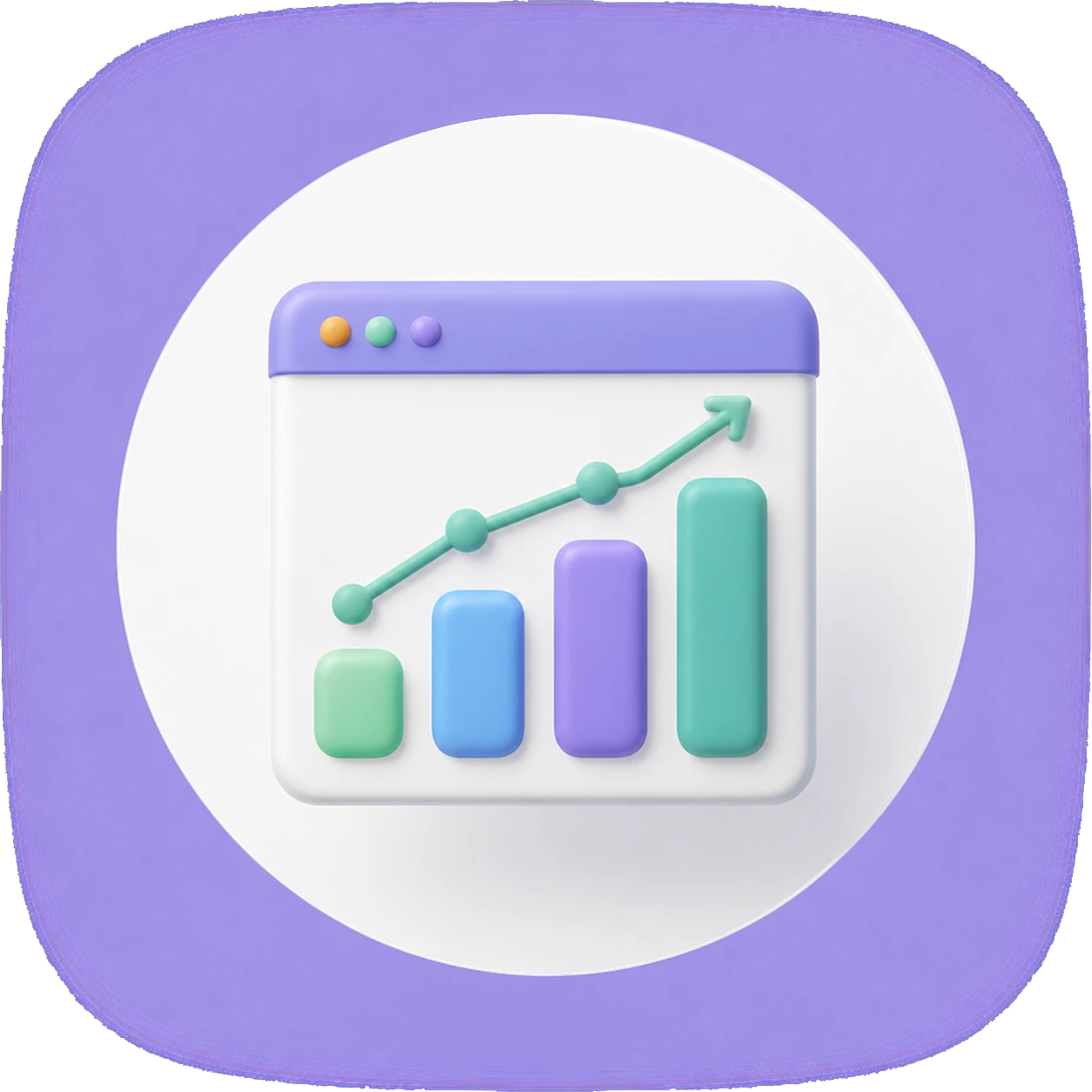
Отслеживайте выполненные, активные, созданные, удалённые, пропущенные и просроченные задачи.

Смотрите задачи на сегодня на экране телефона и быстро открывайте нужную задачу.
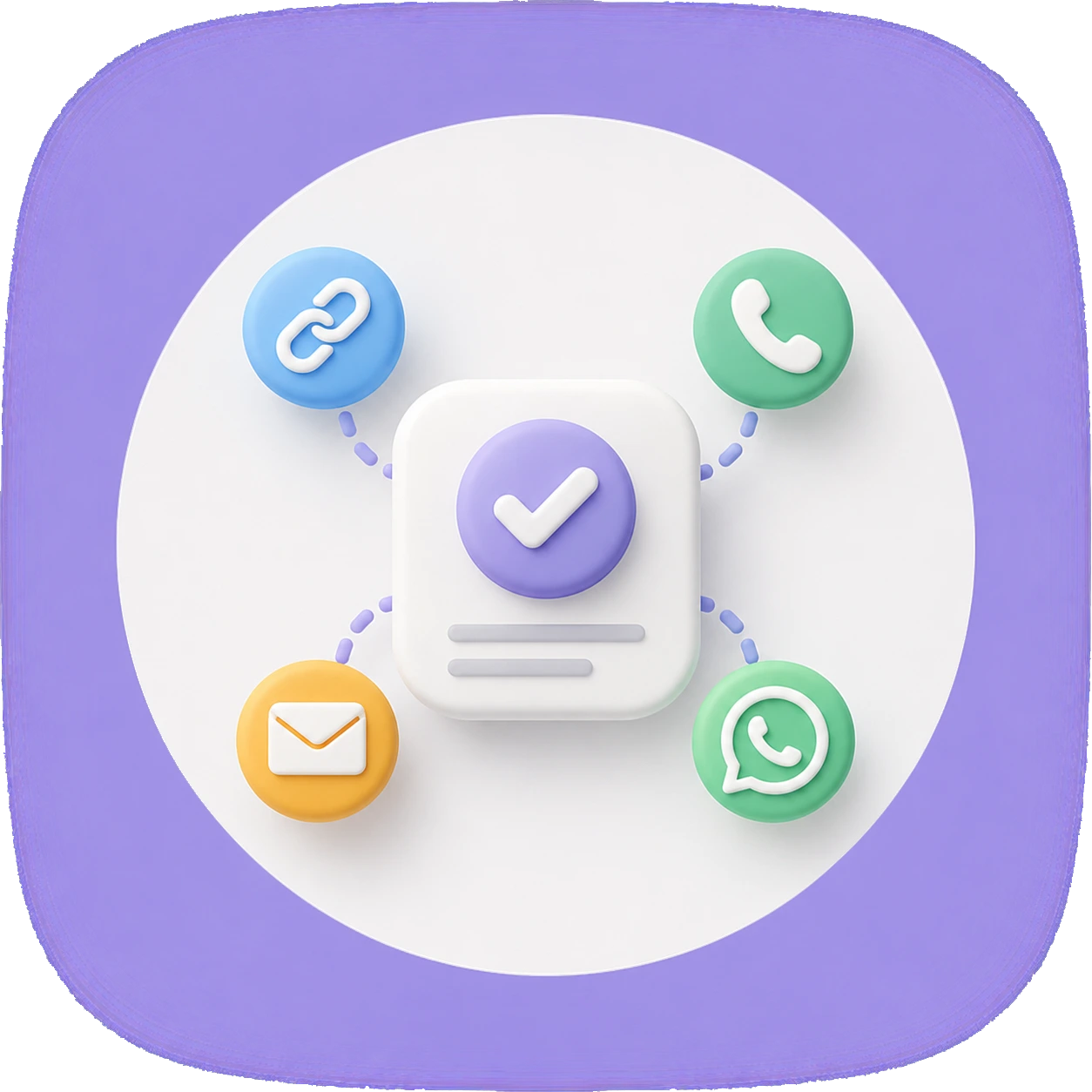
Добавляйте к задаче ссылку, email, телефон или WhatsApp и переходите к действию прямо из карточки.
Находите задачи по названию и открывайте результат из нужной вкладки.

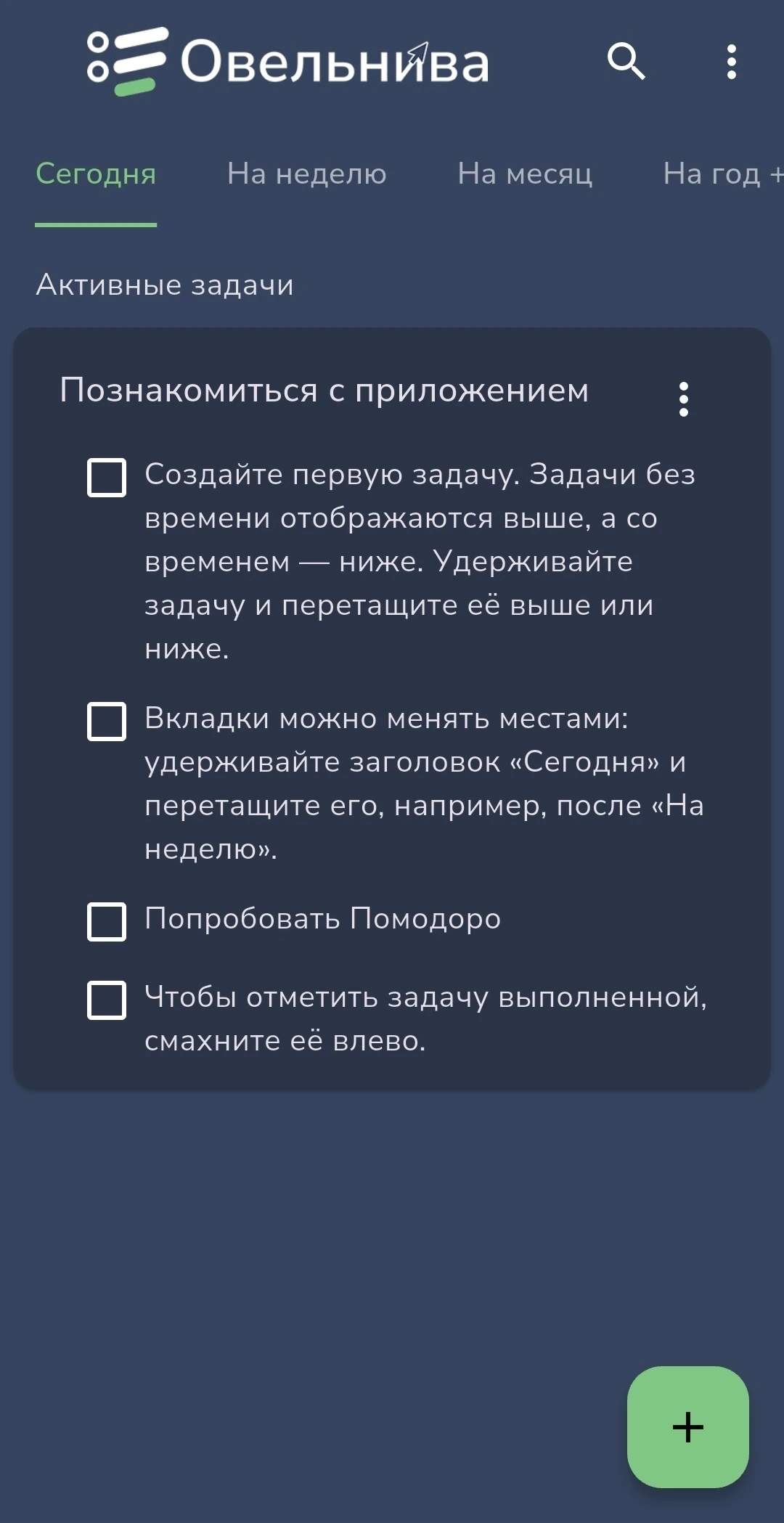
Светлая и тёмная тема, цвет оформления и интерфейс на английском, немецком, французском, испанском, арабском, казахском и русском.
Без сложной настройки и длинного обучения. Добавьте первые задачи и разложите их по времени.
Рабочие дела, личные планы, покупки, идеи, звонки и цели.
Сегодня, неделя, месяц или год — задача сразу попадает в нужный горизонт.
Подзадачи, файлы, ссылки, повторения, напоминания и время выполнения.
Выполняйте, переносите, возвращайтесь к задачам и смотрите статистику.
Утром вы смотрите на день. В воскресенье — на неделю. В начале месяца — на крупные дела. А годовая вкладка держит рядом большие цели, которые легко потерять в повседневности.
Установить приложениеПриложение подходит для личных дел, работы, учёбы, бытовых задач, привычек и больших целей.
Базовые функции помогают быстро начать планирование. PRO открывает больше возможностей для тех, кто активно ведёт задачи и хочет гибче настроить систему.
Для ежедневных задач и спокойного старта.
Для расширенного управления задачами и пользовательских вкладок.
Ответы на вопросы, которые чаще всего возникают перед установкой приложения.
Обычный список часто растёт и перестаёт помогать. Здесь задачи разложены по времени: сегодня, неделя, месяц и год. Так легче понять, что делать сейчас, а что запланировано дальше.
Да. В приложении можно гибко настраивать напоминания: разовые, ежедневные, еженедельные, ежемесячные, ежегодные и по выбранным дням недели. Приложение учитывает часовой пояс устройства. При смене часового пояса или переходе на летнее/зимнее время напоминания корректно адаптируются к местному времени.
Голосовой ввод помогает быстро создавать задачи и подзадачи, искать нужные задачи и работать со списком дел без ручного набора текста. Микрофон включается только по вашему действию — когда вы сами запускаете голосовой ввод.
Да. Доступно создание резервных копий через Яндекс Диск. Это помогает сохранить данные и восстановить их при необходимости.
Да. Основные функции приложения доступны без постоянного подключения к интернету. Интернет может потребоваться для рекламы, покупки Premium и резервных копий через Яндекс Диск.
Premium снимает ограничения бесплатной версии и открывает дополнительные функции. Их актуальный список показан внутри приложения.
Да. В приложении есть виджеты для рабочего стола Android, чтобы задачи были видны без открытия приложения.
Pomodoro-таймер помогает работать по интервалам: сосредоточиться на задаче, сделать перерыв и продолжить работу без перегрузки.
Приложение доступно на следующих языках: русский, казахский, английский, немецкий, французский, испанский и арабский.
Основные данные хранятся на вашем телефоне. Аккаунт, e-mail и регистрация не нужны. Любую задачу можно удалить вручную, а для сохранения данных за пределами устройства используется резервная копия через Яндекс Диск — её можно создать и восстановить в любой момент. Так вы сами контролируете, что хранится и где.
Скачайте «Мои задачи» и разложите дела по времени: сегодня, неделя, месяц, год.